This issue appears when you quit TOEM 2 and reopen a save, only to find photos or critters missing from your album. For toem 2 photos not saving on Mac, update to a release containing the October 1, 2026 MacOS Hotfix, then check that a new photo survives a restart. Treat that as a fix for saving and loading photos going forward, not a promise that your lost album will return.
What Exactly Disappeared From Your Album?
The Mac bug stops photos being written to disk or loaded with your save, so a photo you can see now may still be gone after a restart. Only a photo that survives reopening the game is saved.
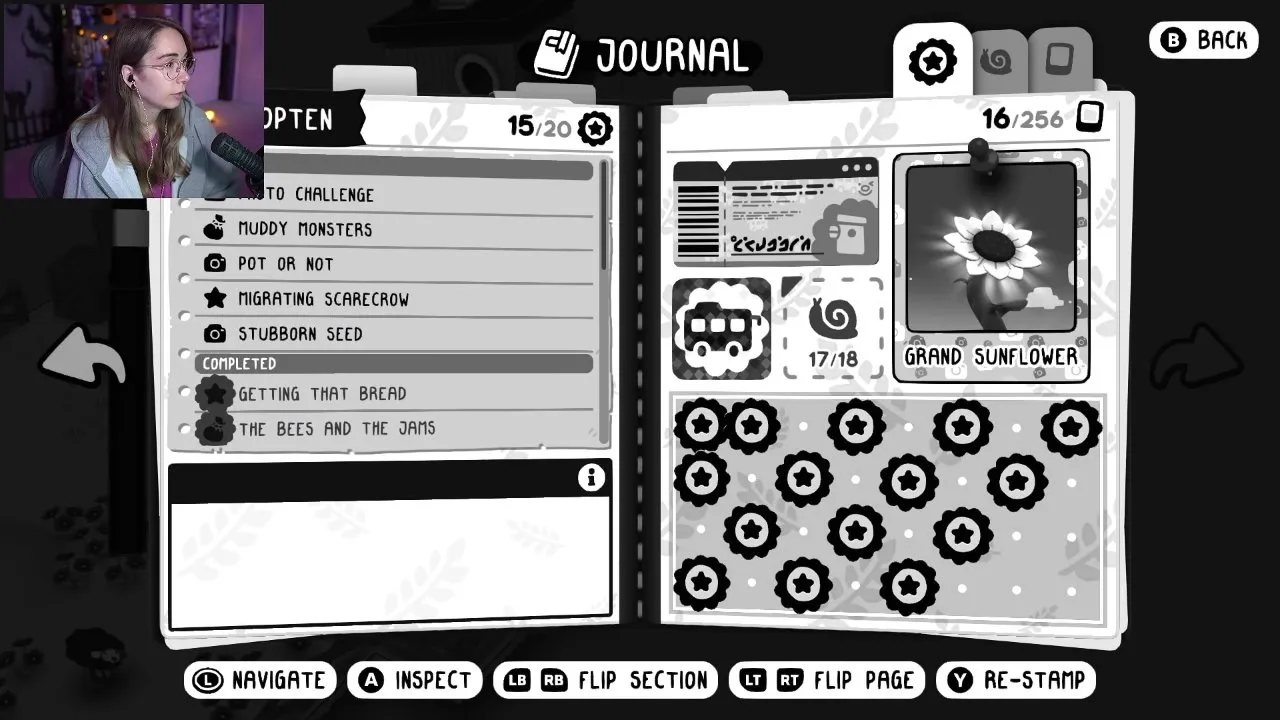
Players describing “Photos not saving when quitting the game” reported different losses. One lost everything in the album, including critters. Another still had every photo but lost the names they had entered, despite saving before quitting. Keep those symptoms separate when checking your own save.
| What you see | What to focus on |
|---|---|
| Pictures vanish after reopening the game | The October 1 MacOS photo saving and loading hotfix |
| Pictures remain, but your custom names disappear | The photo naming issue addressed in the full release |
| A photo placed in a frame fails to return | The frame photo saving and loading fix in the MacOS hotfix |
| Your save does not transfer correctly between systems | The Steam Cloud fix listed in Patch 1.0.8 on October 7 |
An Apple Silicon player also lost critter records after relaunching, so check those separately from the photos.
How Do You Check That Photos Now Save?
Update before taking replacement photos
Use a release containing the October 1 MacOS Hotfix. Its fixes cover photos not being saved to disk, photos not loading with a save file, and photos inside frames not being saved or loaded.
Check one new photo in the album
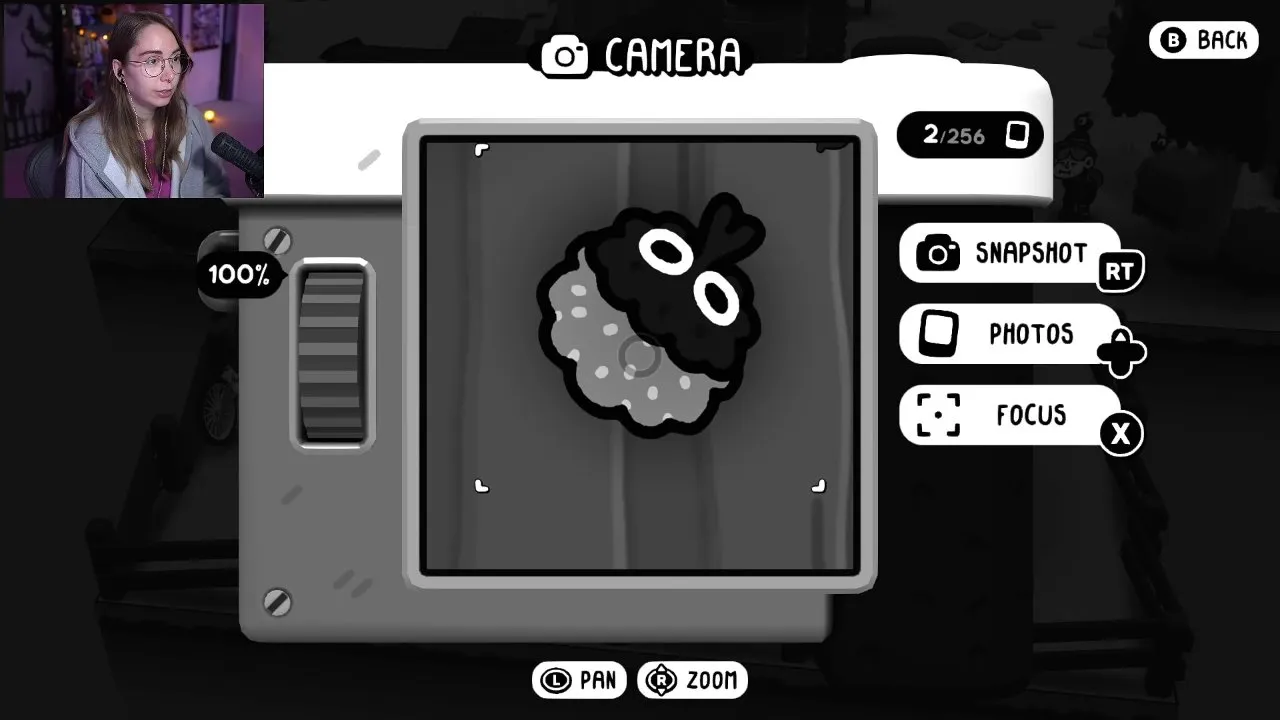
Take one easy-to-recognise picture and note the photo counter on the camera screen.
Reopen your save and compare
Quit, reopen the game, and check the album and the counter again. If the picture is still there, saving works. If it vanished again, the bug is still affecting you; report it to the developer.
Do not restart your whole collection just to test this fix. Use one recognizable new photo first, and keep recovery of older pictures separate from checking whether new ones persist.
Why Did the Full Release Reply Not Settle This?
The developer's September 29 reply said the full release fixed the quoted complaint about photo names disappearing. That is narrower than all pictures disappearing from the album.
Mac players still reported missing photos on the full release on September 30, two of them around showing a photo to Nana in grandma's house. The October 1 MacOS Hotfix is the one that fixes photo saving and loading, so make sure you have it even if you already updated to the full release.
What If You Get Stuck Showing Nana a Photo?
That is a separate bug: Patch 1.0.7 (October 1, 2026) fixes the game locking up when choosing a photo, including at grandma's. With it installed, check the photo is still in your album, then try showing it again.
Does Switching Between Mac and Windows Matter?
A player reporting “Mac version problems” described both album losses on Apple Silicon and incorrect cloud save transfers from Mac to Windows. Patch 1.0.8, released October 7, 2026, lists a fix for Steam Cloud not syncing properly between systems.
If photos go missing only when you switch systems, update to 1.0.8 and compare the album on the other machine before playing further there.
When Can You Get Back to Collecting?
Once a new photo survives reopening the game, go back to the Complete Walkthrough to continue your route.
If your symptom is instead a tutorial Tato picture that does not count, use Why the Tutorial Tato Photo Does Not Count. For a Steam Deck failure, choose the page matching the moment it happens: Launch Crash or Crash When Receiving a Critter Stamp.
Status as of October 9, 2026: The October 1 MacOS Hotfix targets photo saving, loading, and frame photos; Patch 1.0.7 addresses photo selection lockups, and Patch 1.0.8 addresses Steam Cloud syncing between systems. Check retention after updating; do not assume previously lost photos or critter records will return.